Guide
How to make your store AI-ready
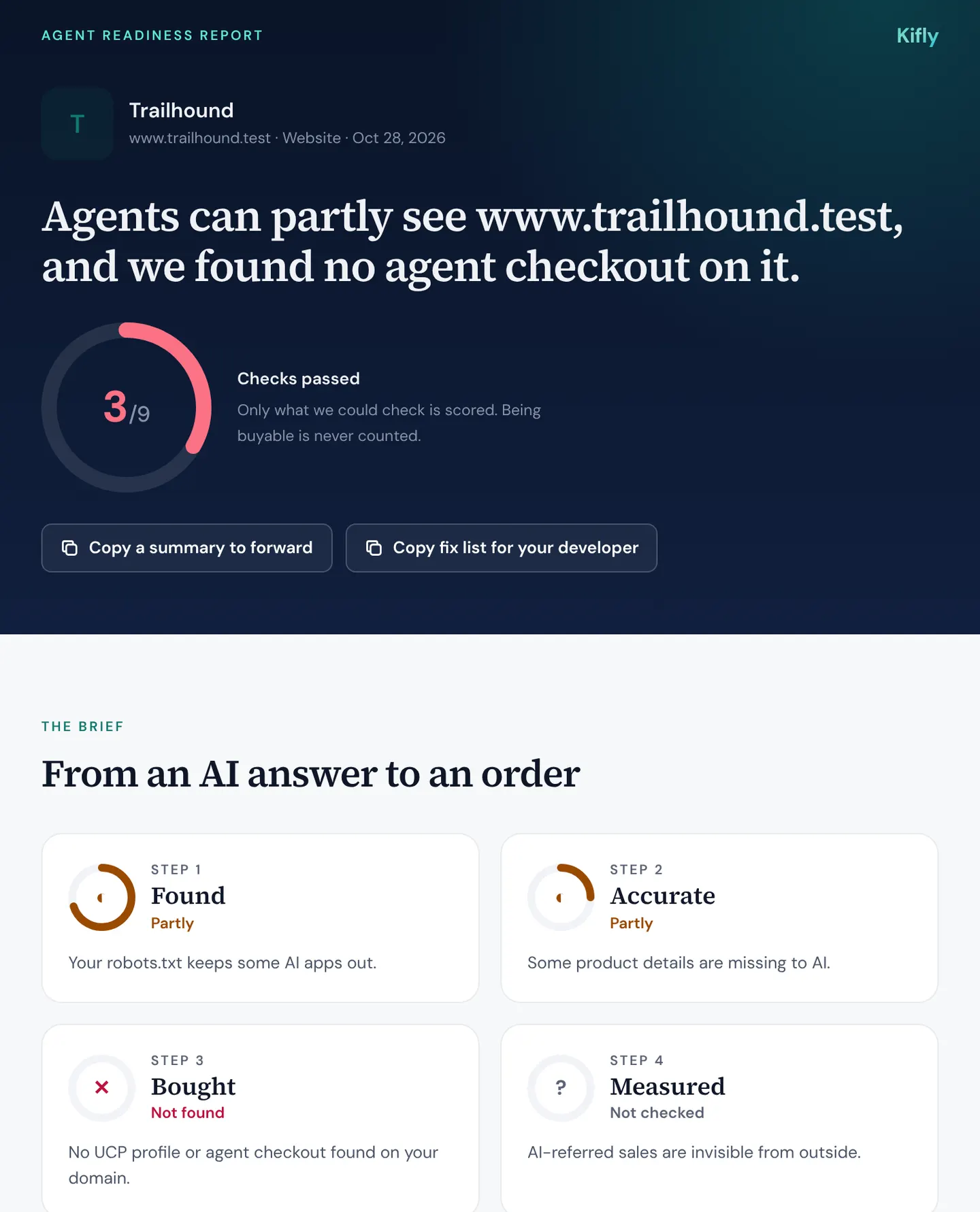
An AI-ready store passes four tests: an agent can reach your pages, read your price and terms as text, find answers to its questions, and buy without an account. You can run all four yourself with the steps below, and the free readiness report checks reach, product data and a way to buy in about a minute.
Run the free reportMost stores that fail, fail at the front door
In November we ran Kifly's readiness check across a batch of online stores. Several never showed us a single product. Their bot protection turned the check away before the home page loaded, and any agent challenged the same way meets a closed shop.
Owners rarely see this. You open your own site in a normal browser, and a person in a normal browser passes the checks that stop an automated visitor.
AI visitors come in three kinds, and the table shows what each needs from you. Search crawlers get most of the attention in other guides. The sale happens with the other two.
Three kinds of AI visitor
| Visitor | What it does | What it needs from you |
|---|---|---|
| Search crawlers | Index your pages so an assistant can cite you later | To be allowed in robots.txt, and text it can read |
| Agents that browse | Open your pages live for one shopper, like a person would | No bot check in the way, and a checkout without a login |
| Agents that buy through an API | Call a catalog and a checkout directly, and never load your page | A checkout they can call, such as a UCP profile or an MCP server |
Why do the walls matter more than the markup?
Product markup helps an agent find you. Whether it buys is settled at the checkout. a16z's benchmark of four shopping agents, run between October 22 and November 8, 2026, put a number on it: with guest checkout, agents reached the end of the checkout form in 81% of runs, and every run on a store that required an account stopped early.
Agents that reached the end of the checkout form
Run the four tests yourself
Use a private browser window and one product that comes in sizes or colours.
- To test reach, open yourstore.com/robots.txt and look for ChatGPT-User, OAI-SearchBot, Claude-User, Claude-SearchBot and PerplexityBot. A Disallow: / under any of them keeps that app out. OpenAI, Anthropic and Perplexity each publish what their names do.
- To test reading, open a product page, view its source and search for the price. If it is missing, agents that do not run scripts never see it.
- To test answers, find your return window, shipping cost and delivery time as text on the product page. A popup or an image does not count.
- To test buying, add the product to the cart and go as far as payment without signing in.
- Optional: ask two assistants to buy the product, and note where each one stops.
Where do these settings live on your platform?
Two settings decide most of the result: who robots.txt lets in, and whether checkout asks for an account. Change one at a time and run the tests again, so you know which change mattered.
Who robots.txt lets in
| Platform | Where to edit it | Docs |
|---|---|---|
| Shopify | Online Store, your theme's menu, Edit code, then add the robots template (robots.txt.liquid) | Shopify Help: Editing robots.txt.liquid |
| WooCommerce | A robots.txt file at your site's root | Google Search Central: Introduction to robots.txt |
| BigCommerce | Settings, Website, Search Engine Robots | BigCommerce Help: Understanding the robots.txt file |
| Squarespace | Settings, Crawlers: leave "Block known artificial intelligence crawlers" unchecked (the default) | Squarespace Help: Request that AI models exclude your site |
| Wix | SEO & GEO in your dashboard, Tools and settings, Robots.txt Editor | Wix Help: Editing your site's robots.txt file (updated November 16, 2026) |
| Custom store | The robots.txt file served at your domain's root | Google Search Central: Introduction to robots.txt |
Checkout without an account
| Platform | Where to set it | Docs |
|---|---|---|
| Shopify | Settings, Checkout, Customer contact method: leave "Require customers to sign in to their account before checkout" off | Shopify Help: Checkout form options |
| WooCommerce | WooCommerce, Settings, Accounts and Privacy: tick "Enable guest checkout" | WooCommerce: Accounts and Privacy settings |
| BigCommerce | Settings, Checkout, Customer accounts: "Customers are not required to have an account to check out" | BigCommerce Help: Guest customers and checkout |
| Squarespace | Nothing to change: an account cannot be made required, and guests can always check out | Squarespace Help: Customer accounts |
| Wix | Keep the cart page's permission open to everyone, not Members Only | Wix Help: Requiring customers to sign up before making purchases (updated May 19, 2026) |
| Custom store | Your checkout code: let an order complete with an email and an address, no password |
A checklist to forward
- Allow ChatGPT-User, OAI-SearchBot, Claude-User, Claude-SearchBot and PerplexityBot in robots.txt.
- Let verified AI agents past your bot protection on product, cart and checkout pages.
- Turn on guest checkout.
- Put price, currency and stock in the page's HTML, not only in script.
- Write the return window, shipping cost and delivery time as text on every product page.
- Publish a checkout agents can call: a UCP profile at /.well-known/ucp or an MCP server.
- Run the free readiness report and fix what it flags first.
Where Kifly fits
Kifly publishes your catalog in the forms agents read: a UCP profile, MCP shopping tools and a store page with product markup. An agent can search your products, build a cart and hand the shopper a payment link to confirm, with no account to create.
Questions sellers search
Is my store blocking AI crawlers?
Open yourstore.com/robots.txt and read the rules for each AI app, then check your firewall or bot protection. The free report does both for your home page.
Does my product schema markup matter for AI agents?
It helps agents read your products, so keep it accurate. What finishes the sale is a checkout with no wall and terms an agent can read.